gpty v0.8.1
v0.8.1 is the chrome release. The bar every pane carries is three controls and one menu instead of five buttons, the command palette lists everything the app can open with its own glyph and its own chord and now runs the commands you save, and the Add Pane grid, every pane type and every shortcut answer a Help button instead of expecting you to know them. The terminal pane also gained a search strip that no longer covers the prompt, a scrollbar you can see and drag, and a chevron that takes you back to live output.
Two stores stopped being a dead end in the same release; that part is further down.
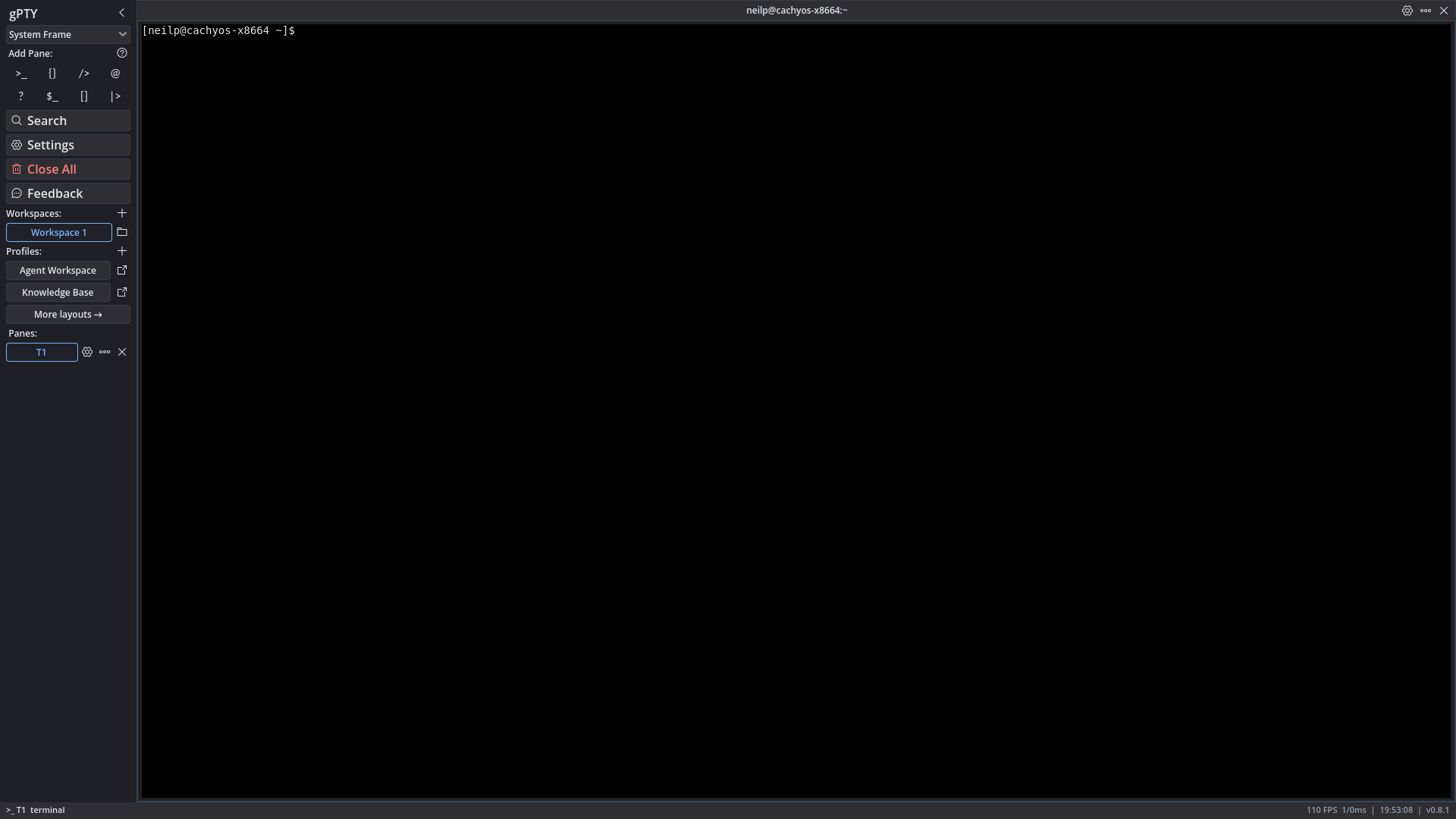
Three controls and one menu. A pane title bar is Pane settings, More actions and Close. The bar reserves 74 px where it reserved 122, so the label a 180 px sidebar pins to a pane can be read again, and the type list - which used to cost a button and never marked the current type - is a radio list inside the menu. The same menu minimizes and restores (its label follows the pane’s state) and offers swap position, disabled while one tile has nothing to swap with. The sidebar’s pane row opens that same builder, so the two surfaces cannot list different actions, and choosing the type a pane already is does nothing instead of rebuilding an identical body.
The palette is the app’s index. Ctrl+Shift+P lists all 15 entries at once - one per pane type,
the six actions, and Save Command… - with words, the registry’s own glyph, and the chord read from
the binding registry rather than a repeated literal, so a rebinding cannot leave a stale hint. The
card is 560×480 centred on the workspace, and it clamps to 528×308 at the 560×340 layout floor instead
of hanging outside its host. The cursor is a real selection: arrows move it, Enter activates it.
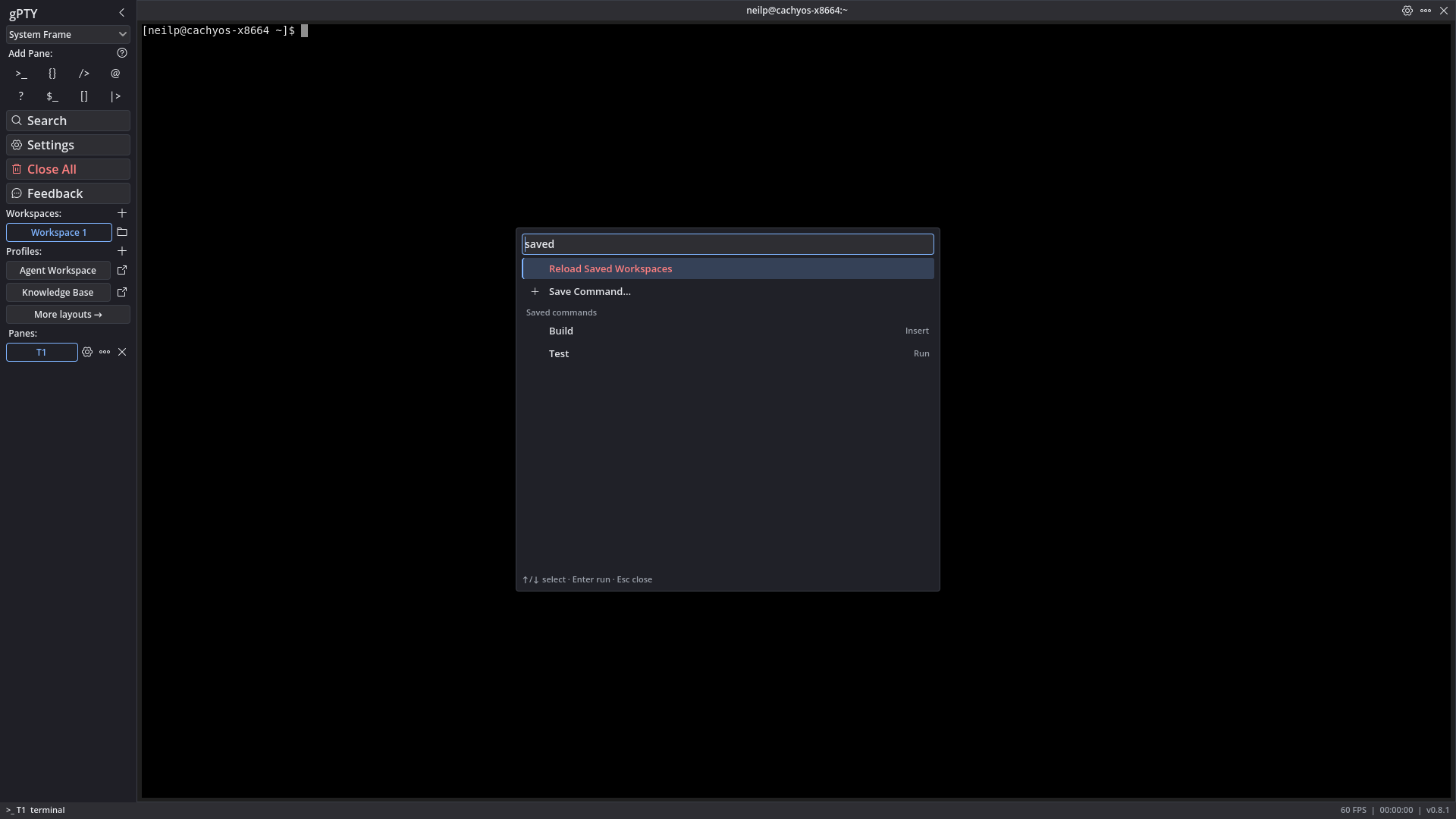
Your commands, saved and run. A saved command is a name, one line, and a flag saying whether it
inserts at the prompt or runs. They live in one user-owned store - 200 entries at most, 64 characters
of name, 1024 of command, controls folded away, duplicate names compared case-insensitively - and the
new seventh Settings tab edits them. The palette shows them under a Saved commands heading and
does the right thing with each: insert leaves the line for you to edit, run hands it to the shell
through the same runner paneRun uses. A profile, a layout, a plugin and the control API have no path
into that store.
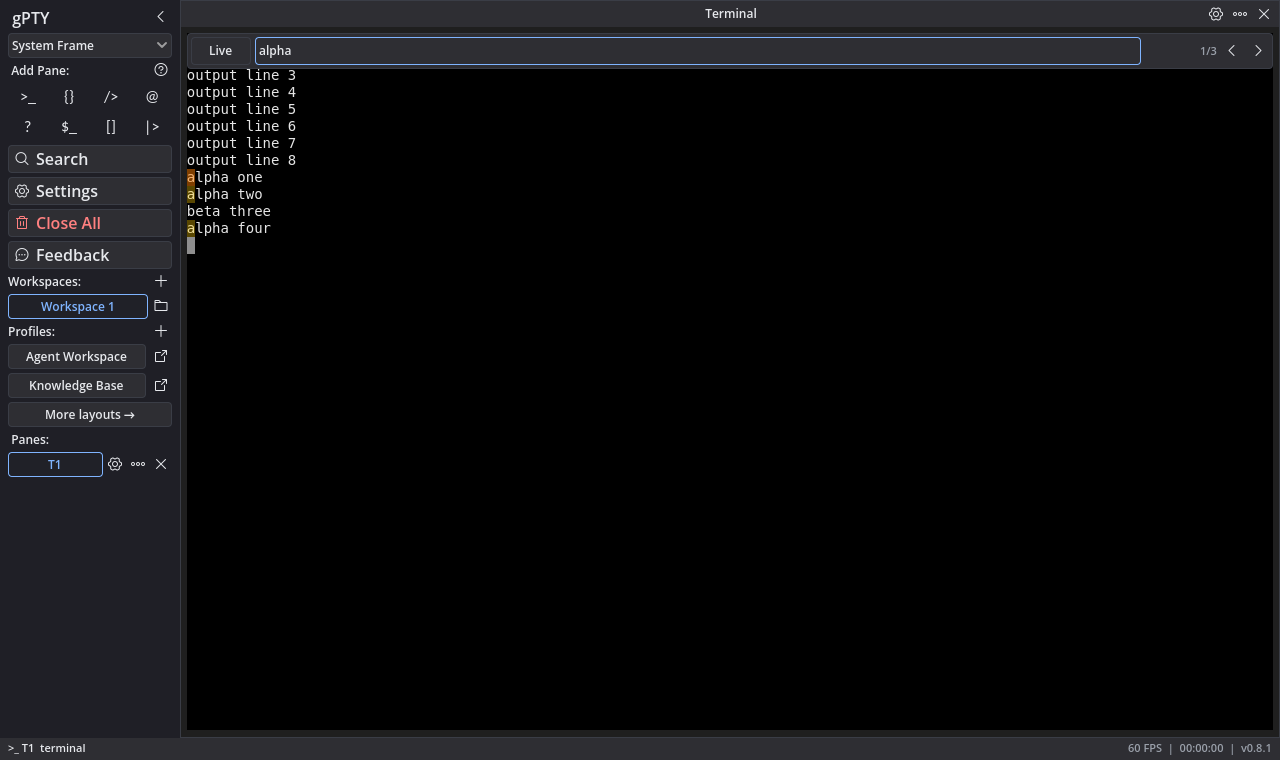
A search strip that stays out of the way, and a toast you can read. The strip is one opaque panel
on the pane’s top edge, so it covers the two oldest visible rows instead of the prompt and the live
output, and the scrollback indicator steps aside while it is open. Its right-hand end reads n/m
instead of leaving you to guess, and an invalid pattern says Invalid pattern in the danger colour
with the engine’s own sentence in the tooltip - the error string used to be set and never shown.
Toasts are legible against every surface they cross, and an appearance swatch says what it holds.
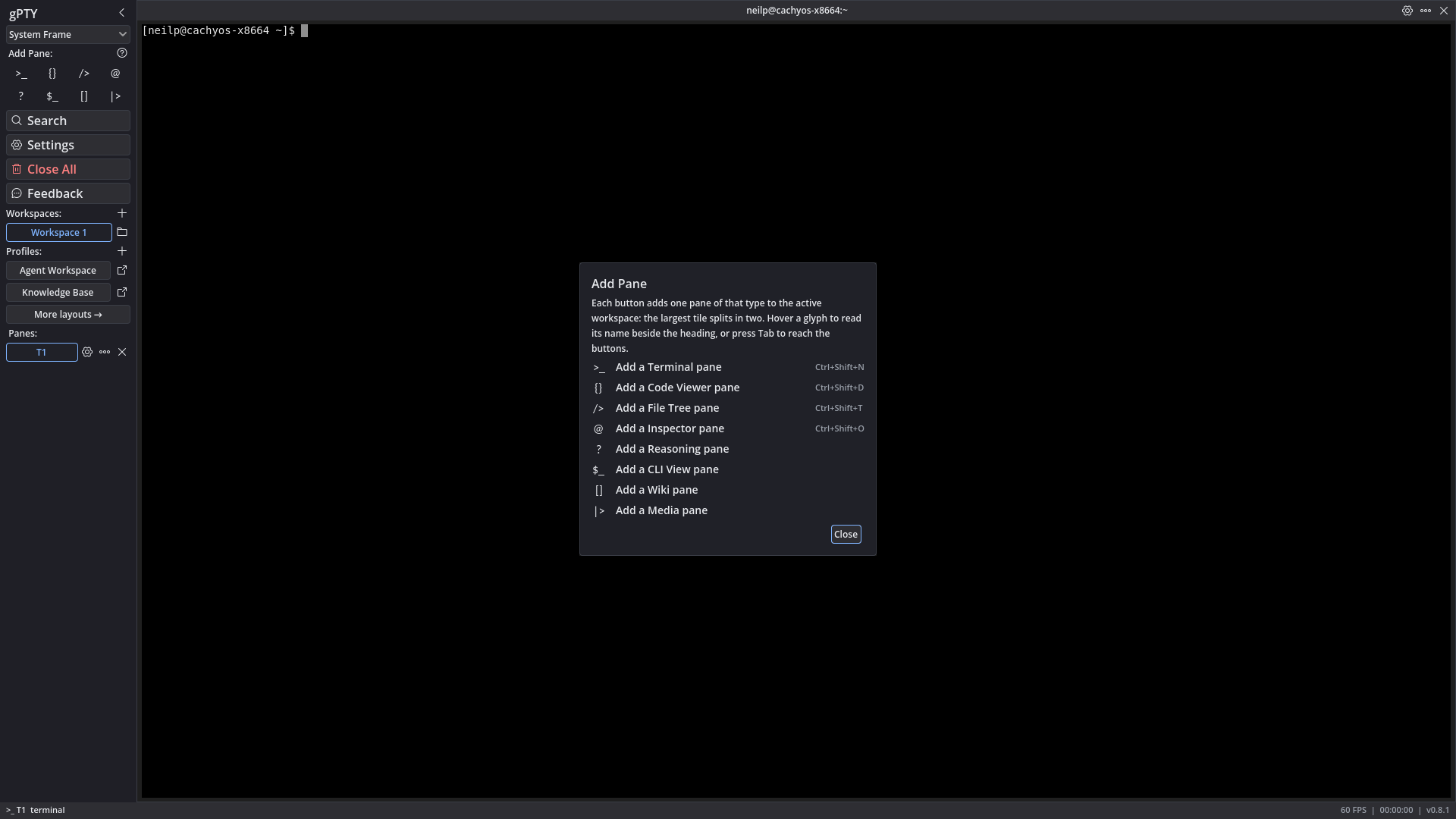
Everything says what it is. The Add Pane grid stays glyph-only and names itself three ways: the
header names the tile under the pointer, falls back to the tile the keyboard cursor is on, and reverts
to Add Pane: when both leave. The section’s Help button opens one table - glyph, action, chord -
for all eight pane types, and About lists every shortcut from the same registry, so a chord cannot
appear in one place and not the other.
The keyboard reaches the rest of the chrome. The window bar’s three controls are a ring entered by
Ctrl+Shift+A and left by Escape (inert in System Frame mode, where the bar is hidden), and the two
view panes’ toolbars are rings entered by Ctrl+Shift+L and left the same way. The toolbar contract
lives on the pane base class now, so a third view pane joins by assigning one field.
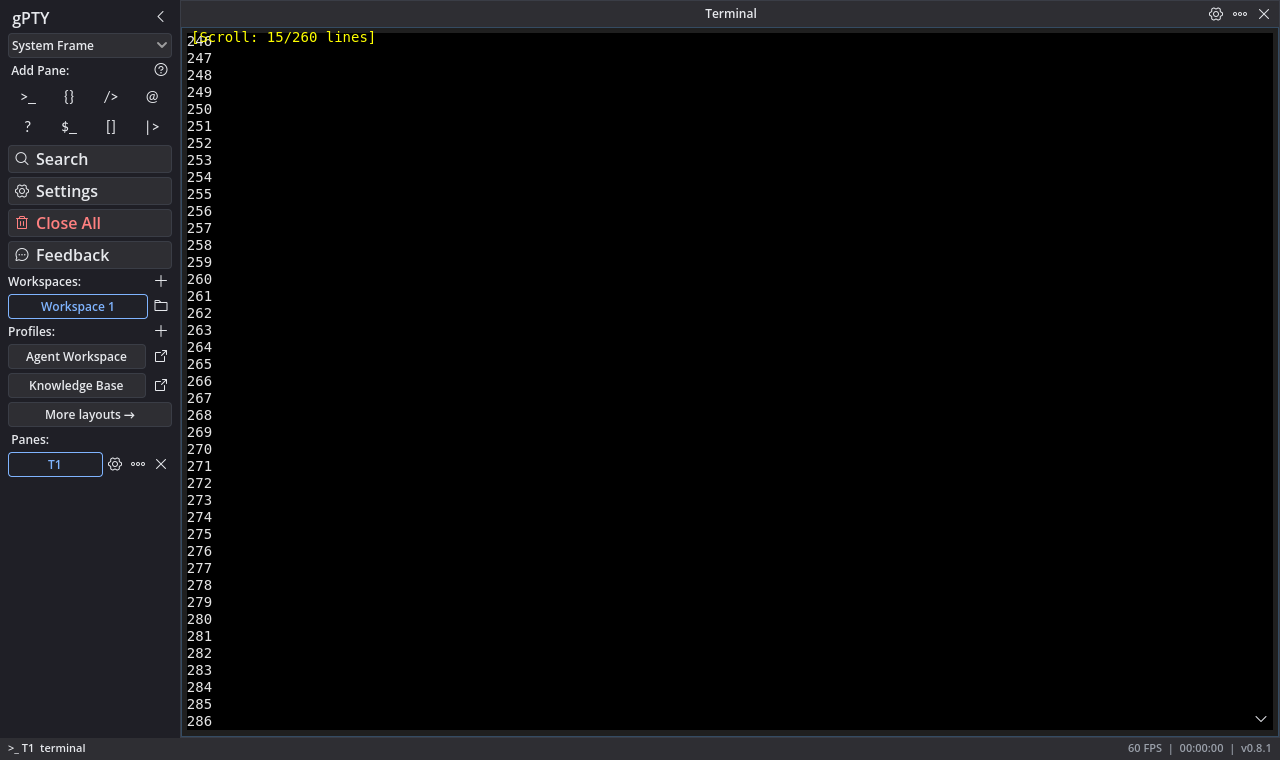
A scrollbar you can see, and a way back. Every ScrollContainer used to reserve a 0 px column
with nothing drawn and nothing to drag - a wheel was the only way to learn that a tab continues. The
theme derives every bar from one geometry now: an 8 px track with a 24 px minimum thumb, drawn,
draggable and focusable everywhere. In the pane, a floating chevron appears exactly while the view is
scrolled back, and clicking it returns you to live output - the sync sits on the wheel, on PageUp and
PageDown, on typing, on a click and on a search jump, so it cannot lag behind the view by a frame.
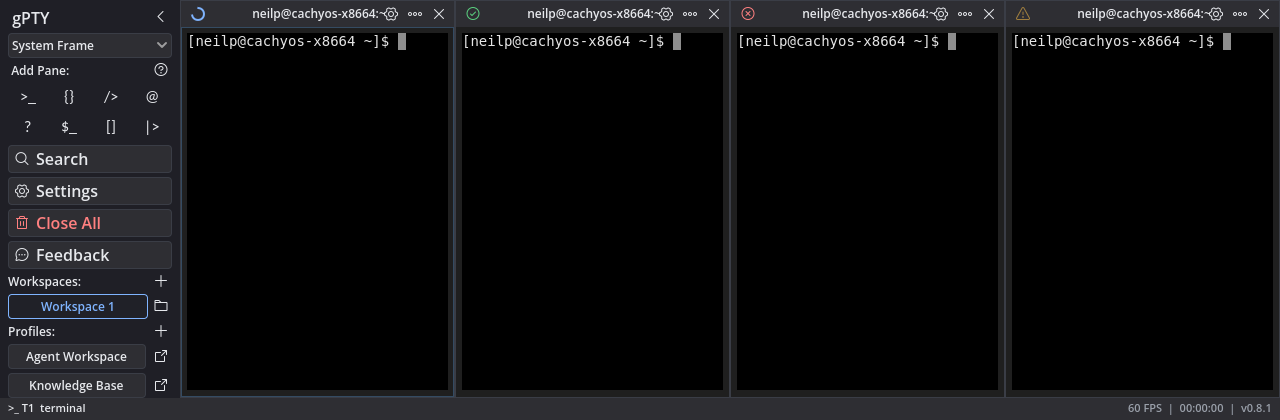
The working badge is a badge. At 12 px the working state was one thin arc of a ring - 11.7 ink
pixels against 23.9 to 26.5 for completed, failed and needs-attention - so the fourth state was
the one you had to hunt for. All four draw at 16 px now, from one AgentBadge that owns the state
table, the tint, the tooltip and its own clock, and they read 48 to 58 ink pixels with a 21 % spread
where the gap was 2.1×. Remove the hue and they are still four different silhouettes.
Something to send. Feedback is a sidebar footer action that opens a prefilled GitHub issue:
what happened, what you expected, steps to reproduce, and an “About this build” block with the version
and platform. And every outbound link reports a refusal now - one ExternalLink helper copies the URL
and raises a 6 s warning where four sites used to drop the error silently.
Two dead ends closed. A history.db SQLite cannot read - 56,938,496 bytes of b-tree pages with no
header in the reported case, unrecoverable even by sqlite3 .recover - made every restored pane warn
on every launch and no scrollback was ever persisted again. An unreadable store is moved aside as
history.db.corrupt and recreated, and a damaged vaults.db recovers the same way instead of leaving
the Wiki pane’s list, search and backlinks dead. On the control surface, new-pane --command runs its
line through the configured shell instead of failing to spawn it, new-pane -t cli_view refuses a
program that cannot start instead of answering a pane that never runs, and a bad value now answers
-32602 with app state left to -32000. A pane’s child is also born at the size the pane is drawn
at, rather than at 24×80 followed by a resize.
Release
- Download the standalone binary from GitHub Releases.
- Full changelog: Changelog.
- Source: github.com/godot-pty/gpty.