gpty v0.8.3
v0.8.3 is about where a pane lives and how fast it gets there. Small windows adapt instead of clipping, the sidebar’s Workspaces, Profiles and Panes sections fold, and a pane can be configured from outside the app - its own settings, its wiki view state, a move to another workspace.
Under the surface the switch, spawn and paint costs came down and the OMP event channel stopped running seconds behind the session: a one-row change repaints one row, a streaming pane follows the frame cadence, a spawn no longer rebuilds the sidebar, the first switch after launch is a view change, and the link graph builds off the frame.
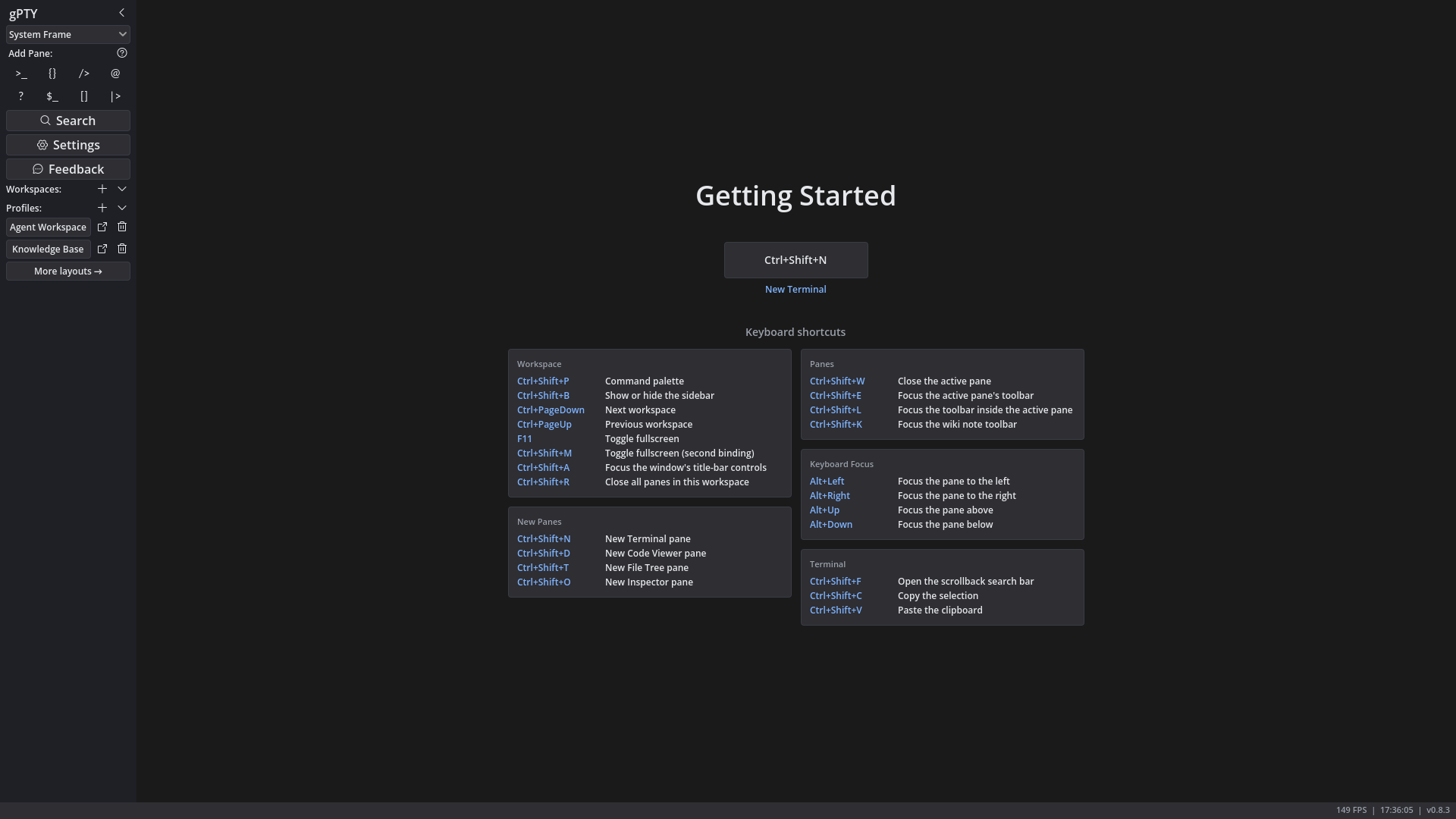
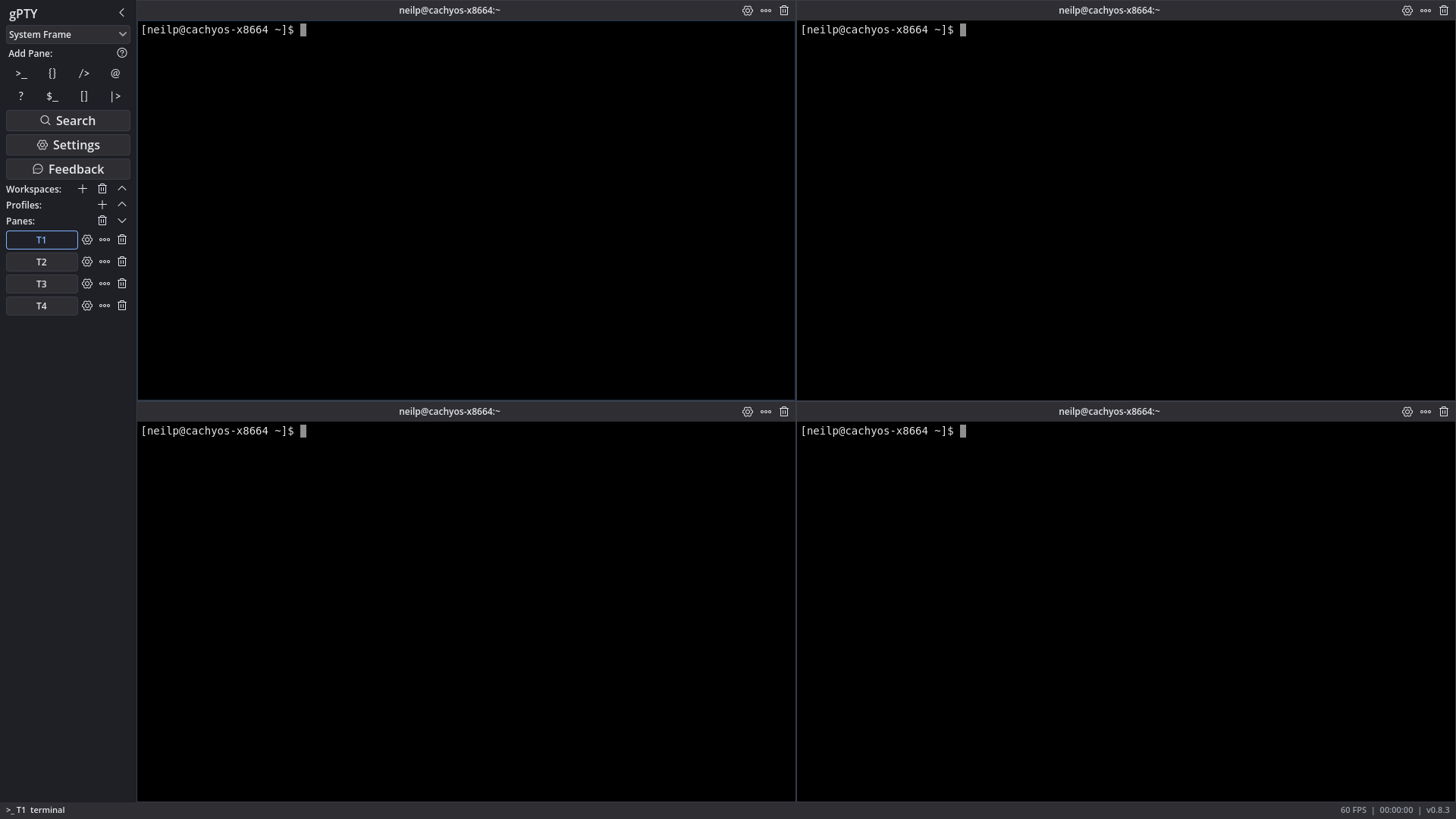
Windows that fit. The Settings and Pane Settings cards clamp to the window instead of keeping a fixed size, so the 540×560 card is 540×484 at 800×500 and 540×324 at 560×340 instead of hanging past the bottom edge; pane titles stop before the button column and ellipsize with the full title on the tooltip; the sidebar scrolls as one column so every row is reachable at 800×500; and the layout floor drops from 540×560 to 560×340. The sidebar’s three sections fold from their header rows - the state persists per section - so folding Profiles to reach Panes survives a relaunch.
Panes you can configure from outside. new-pane now takes a settings object, so a media pane,
code viewer or wiki pane is built already pointed at its file or vault, and the new pane-set
applies the same object to a live pane. There is one closed vocabulary for a pane’s own settings, so
a script and a saved tile cannot describe the same key differently. The values that are not a
caller’s to set - the pane’s identity and geometry, your own env and Inspector aim, the wiki’s
restore-only gestures - refuse over the socket, the call is all-or-nothing, and the answer is the
pane read back rather than an echo. pane-view drives the wiki pane’s note, mode and link graph
without stealing focus, a pane can move to another workspace with its followers instead of closing,
the Inspector’s backend is now a dropdown of the backends the extension reports, and the pane menu
names its actions instead of offering eight types as a silent rebuild.
The seconds the switch and spawn cost. A one-row terminal change repaints one row (one-line damage 2286 → 190 µs at 102x78, a cursor blink 0-3 µs over idle) instead of rebuilding the canvas. A streaming pane nobody is typing into follows the frame cadence (10.5-13.3 → 33.5-39.5 syncs/s at 102x78) instead of parking at 10 Hz. A spawn mutates only its own sidebar row instead of rebuilding every row already on screen, and a workspace switch skips the lists when nothing changed - the measured 62 of 74 ms the three lists cost. The first switch after launch is a view change because every restored workspace is laid out and started one per frame after launch (arrival frame 29.4 → 4.4 ms, switch-to-first-sync 49.5 → 18.5 ms), and the link graph’s query, model and layout run off the frame.
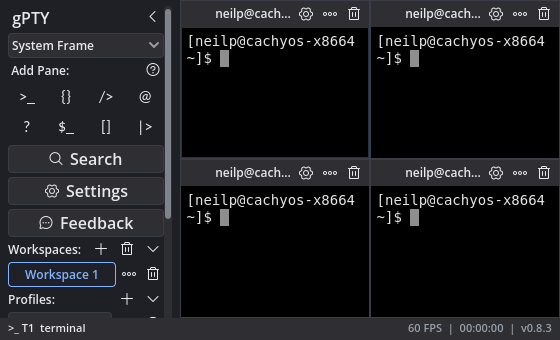
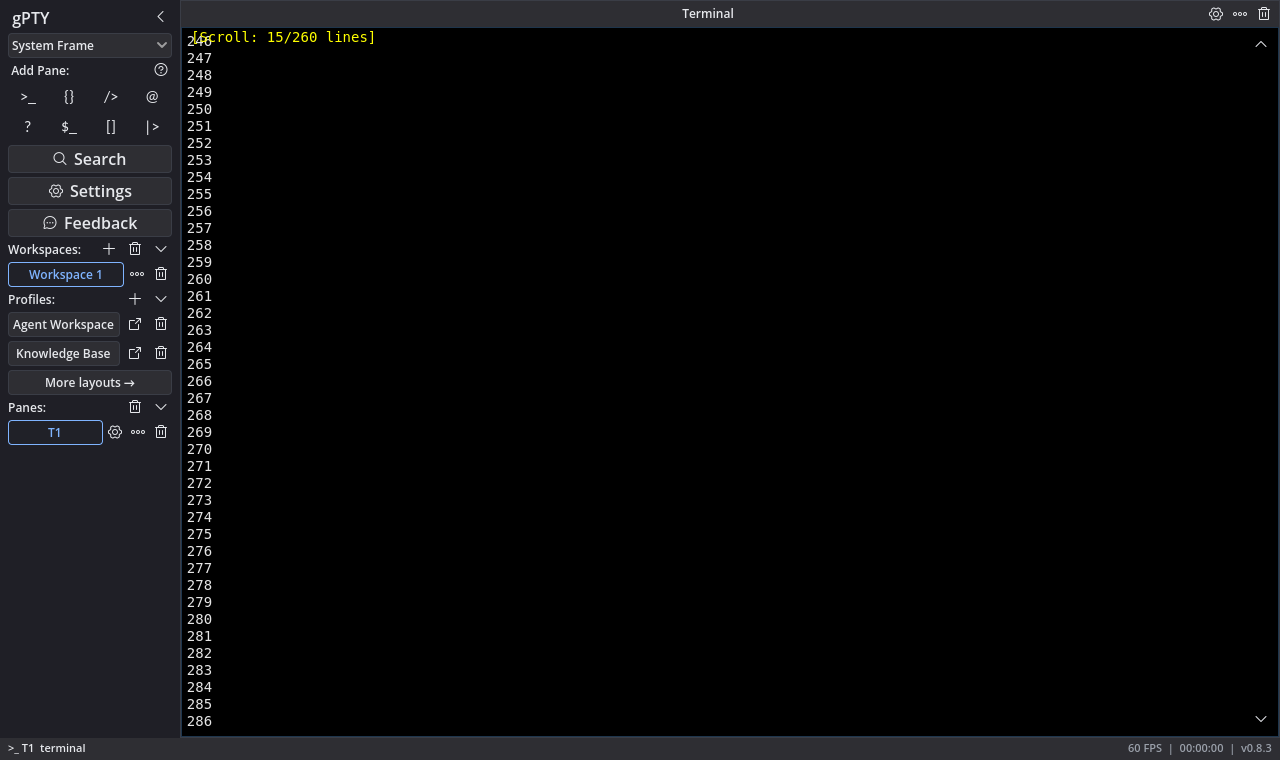
The day’s fixes. A toast burst now shows every message in turn, bounded at eight, instead of the newest preempting the one on screen. Every scrolling pane carries the same two chevrons, and the terminal’s top one jumps to the oldest line as well as the bottom one returning to live output. The File Tree’s first double-click on a folder opens it. Two engine errors disappear from every launch because the accessible role and value writes are applied inside the notification Godot 4.7.2 accepts, a restored terminal publishes its text to the AT-SPI tree again, and the OMP event channel stopped running seconds behind the session - ~4 800 events/s on Node and 5 769/s on Bun instead of 4 (restart a running OMP session to pick up the extension change).
Release
- Download the standalone binary from GitHub Releases.
- Full changelog: Changelog.
- Source: github.com/godot-pty/gpty.